Your wedding guest list and RSVPs
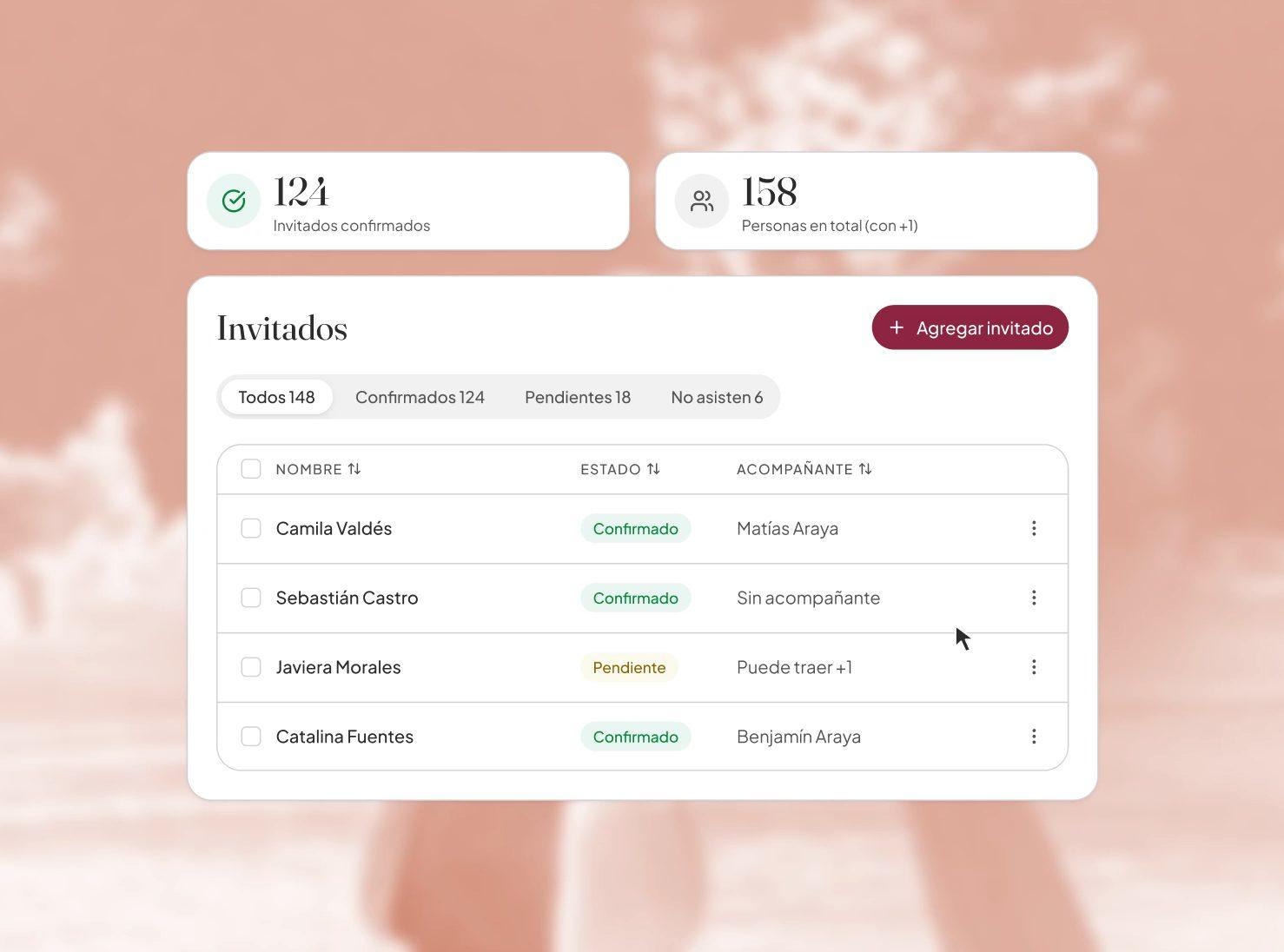
Your whole list in one place: who has confirmed, who hasn't, who is bringing whom and which dietary restrictions to pass on.
What you can do with your list
Import your list from Excel
Upload an Excel or CSV file and your guests are loaded. You can also add them one by one.
RSVPs that record themselves
When someone replies from the invitation, their status changes in your list without you having to note it down.
Plus-ones
Decide who can bring a plus-one; when they RSVP, your guest types in their name.
Dietary restrictions
Vegetarian, gluten-free, lactose-free and more. Each guest lists them when they RSVP and they end up in your list.
Ceremony and party, or party only
Mark which events each person is invited to and filter the list by event.
Export the list
Download your list as an Excel file to share with your caterer or whoever coordinates the day.
How it works
Load your list
Import a file or add your guests one by one.
Share the invitation
Send the general link or each guest's personal link.
Follow the replies
See who has confirmed, who hasn't and who won't attend. If you like, we email you when someone replies.
Included in the Pro plan: a single payment of US$49 for 2 years of access, with no monthly fees.
See what each plan includesFrequently asked questions
More Tandie features
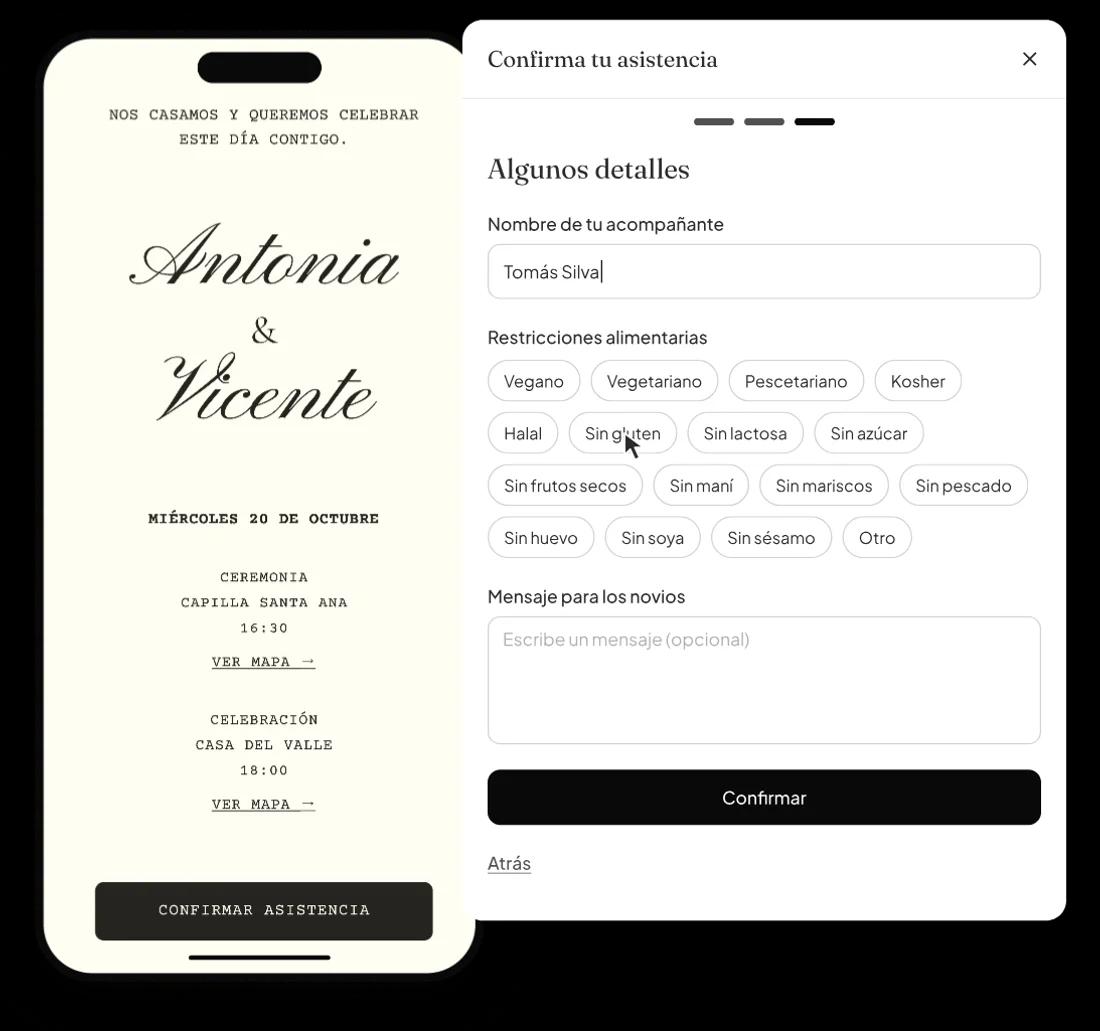
Digital invitation
A web page with your wedding details, ready to share with a link.
Learn more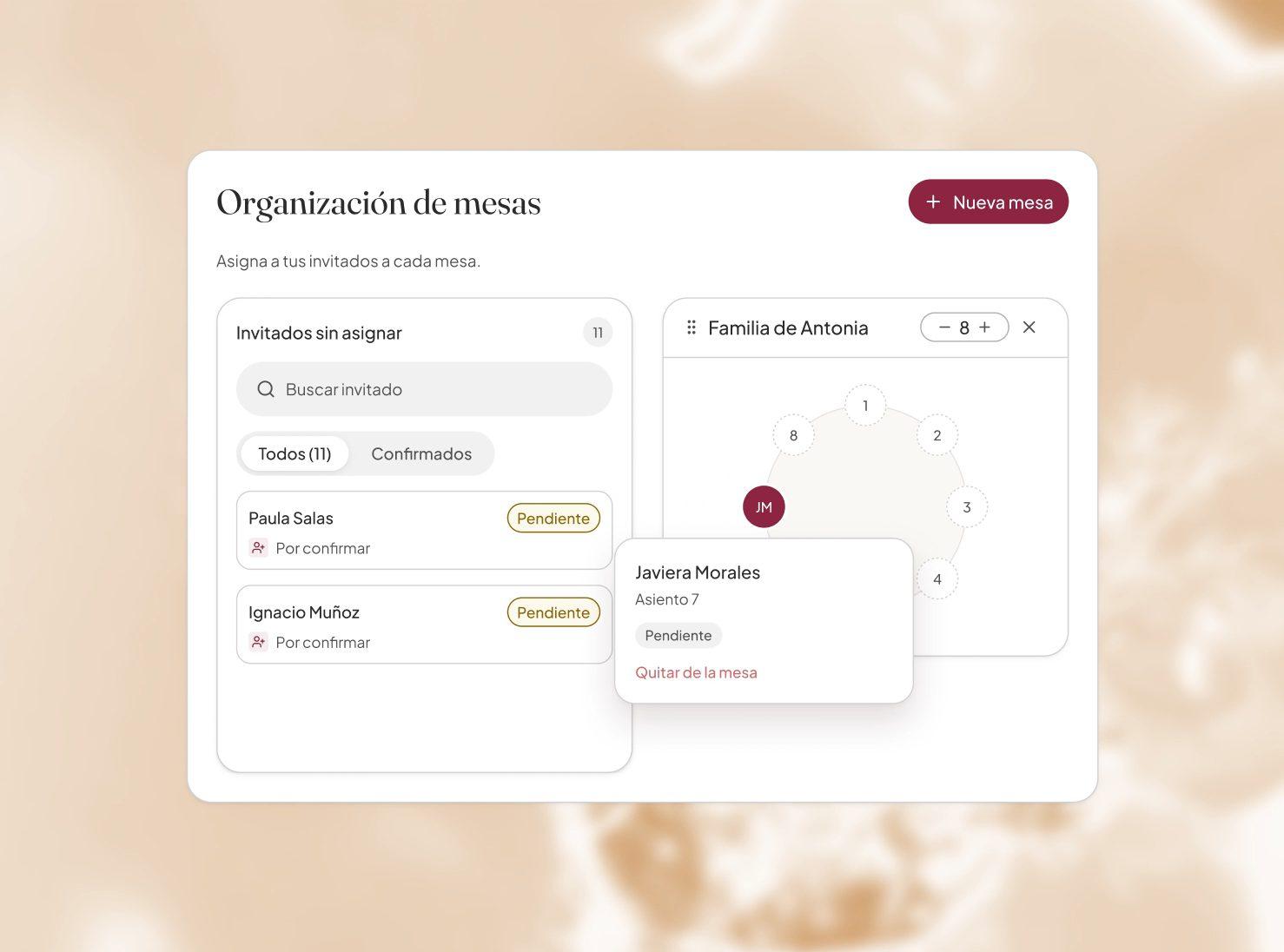
Seating chart
Create the tables and assign your guests by dragging them.
Learn more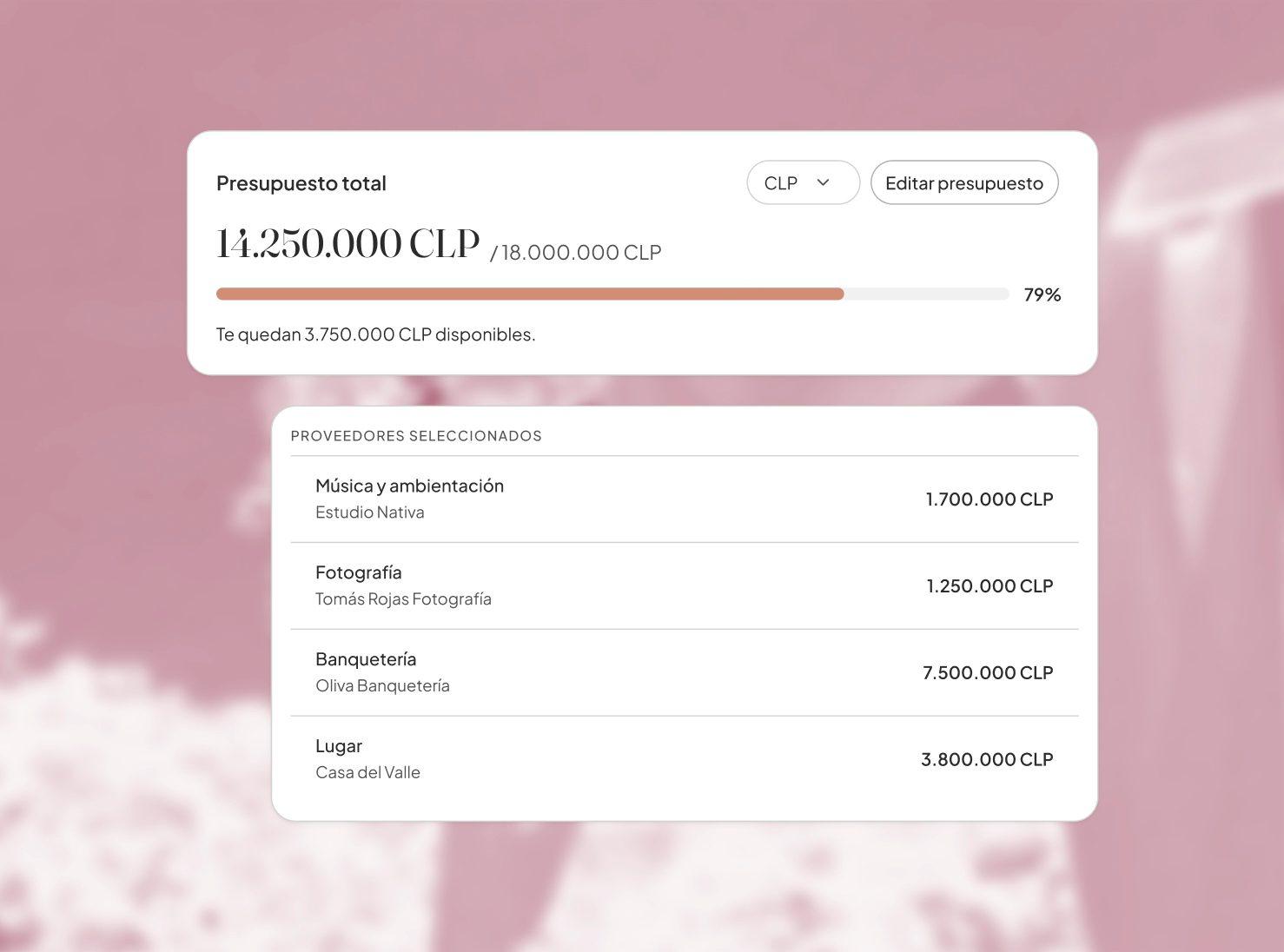
Budget
Compare quotes and see how much you've committed.
Learn more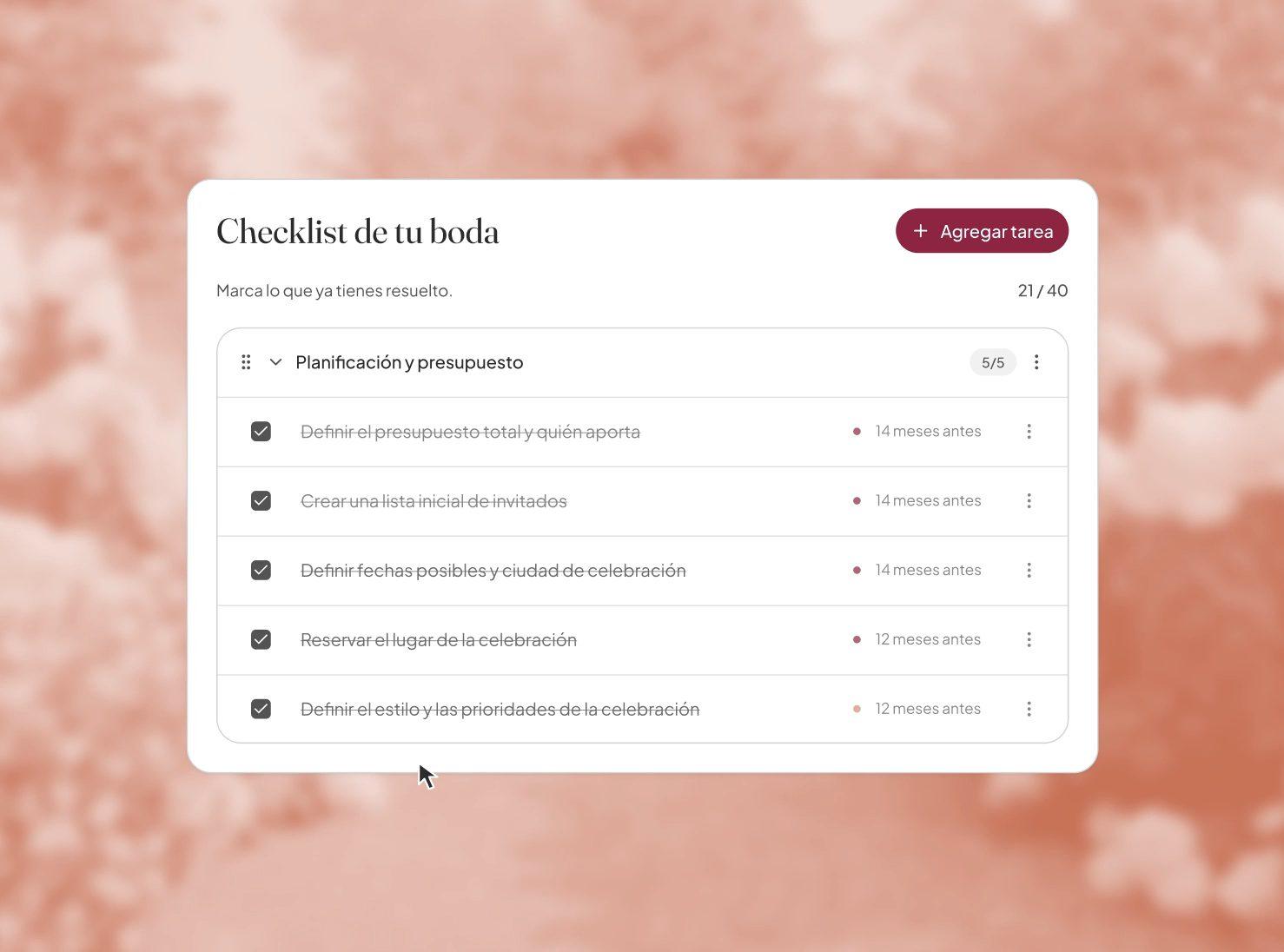
Checklist
Your to-dos by category, priority and deadline.
Learn more