Your seating chart, no spreadsheets
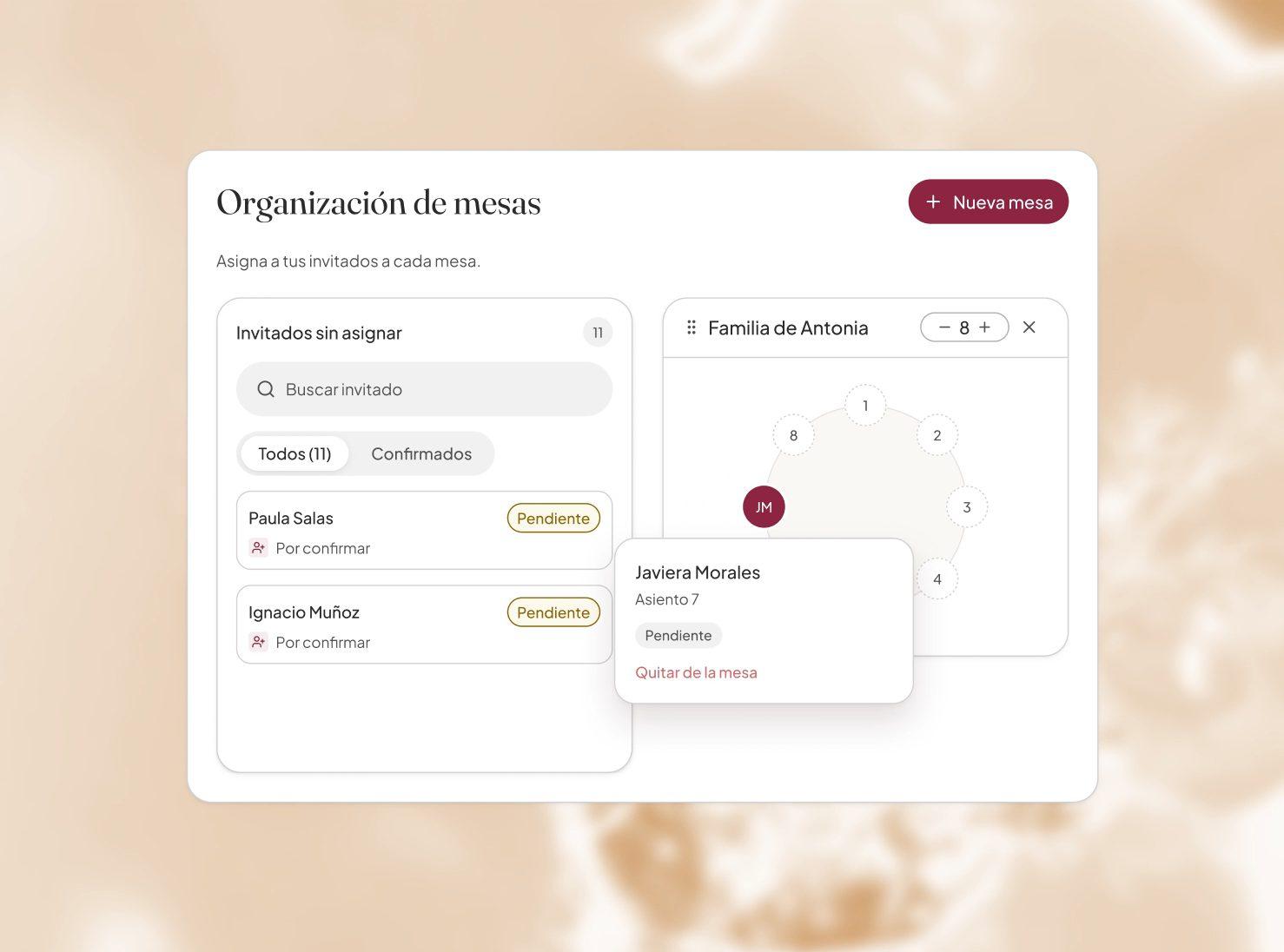
Create the tables, seat your guests by dragging them and see at a glance who still needs a place.
What you can do with your tables
Drag and drop
Move each guest to their table. On a phone, just tap the guest and choose the table.
Capacity at a glance
Each table shows how many seats are taken and how many are left, and warns you if it goes over capacity.
Only those who need a seat
Anyone who said they won't attend, or is invited to the party only, doesn't show up among the guests to seat.
Dietary restrictions by table
Each table's detail shows who has a dietary restriction.
Floor plan PDF
Download the seating arrangement as a PDF, with a spreadsheet ready for your caterer.
Notes for each table
Write down what you don't want to forget: a child's chair, a table near the dance floor.
How it works
Create the tables
Name them and set how many seats each one has.
Assign your guests
Drag them from the unassigned guest list; the search box helps you find them.
Download the plan
When everything is ready, save it as a PDF and share it.
Included in the Pro plan: a single payment of US$49 for 2 years of access, with no monthly fees.
See what each plan includesFrequently asked questions
More Tandie features
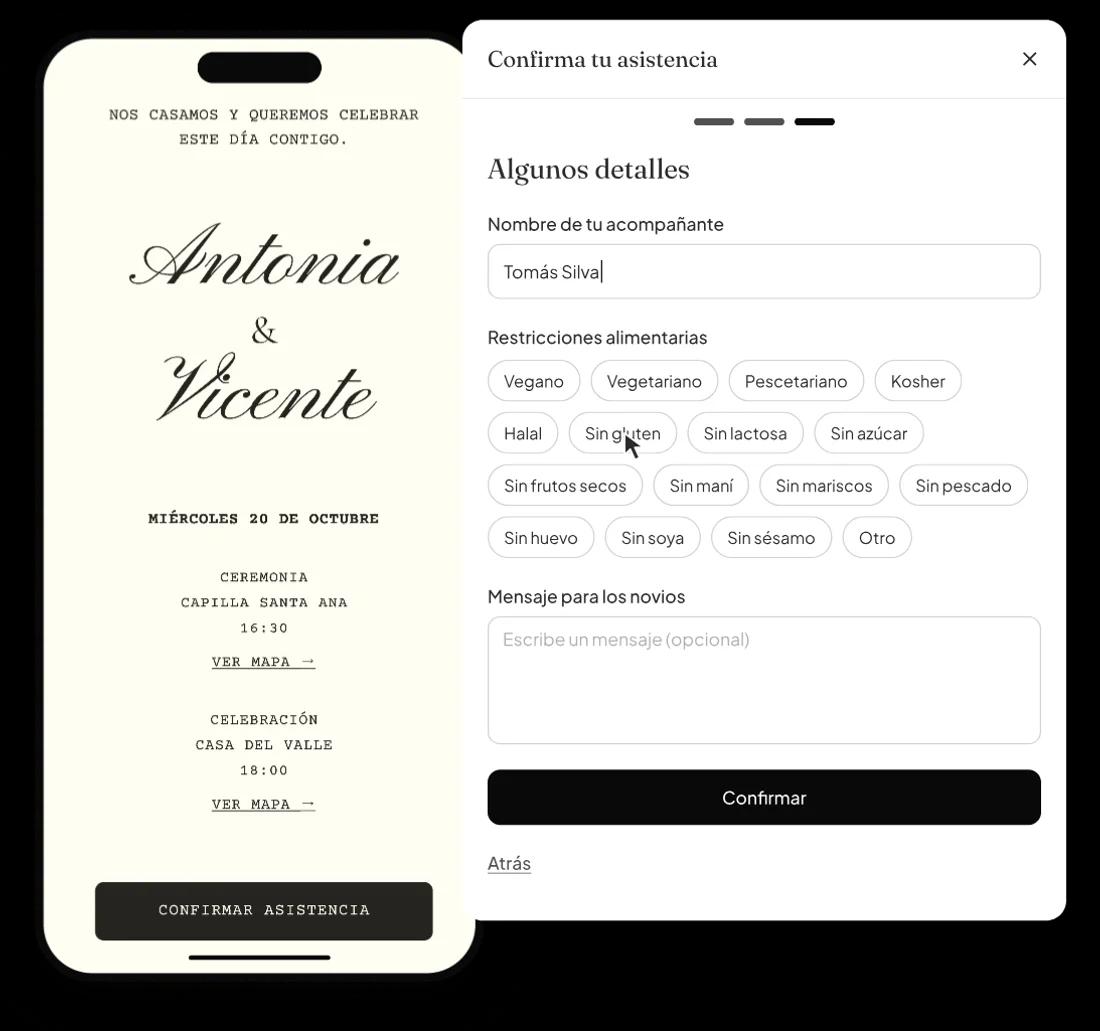
Digital invitation
A web page with your wedding details, ready to share with a link.
Learn more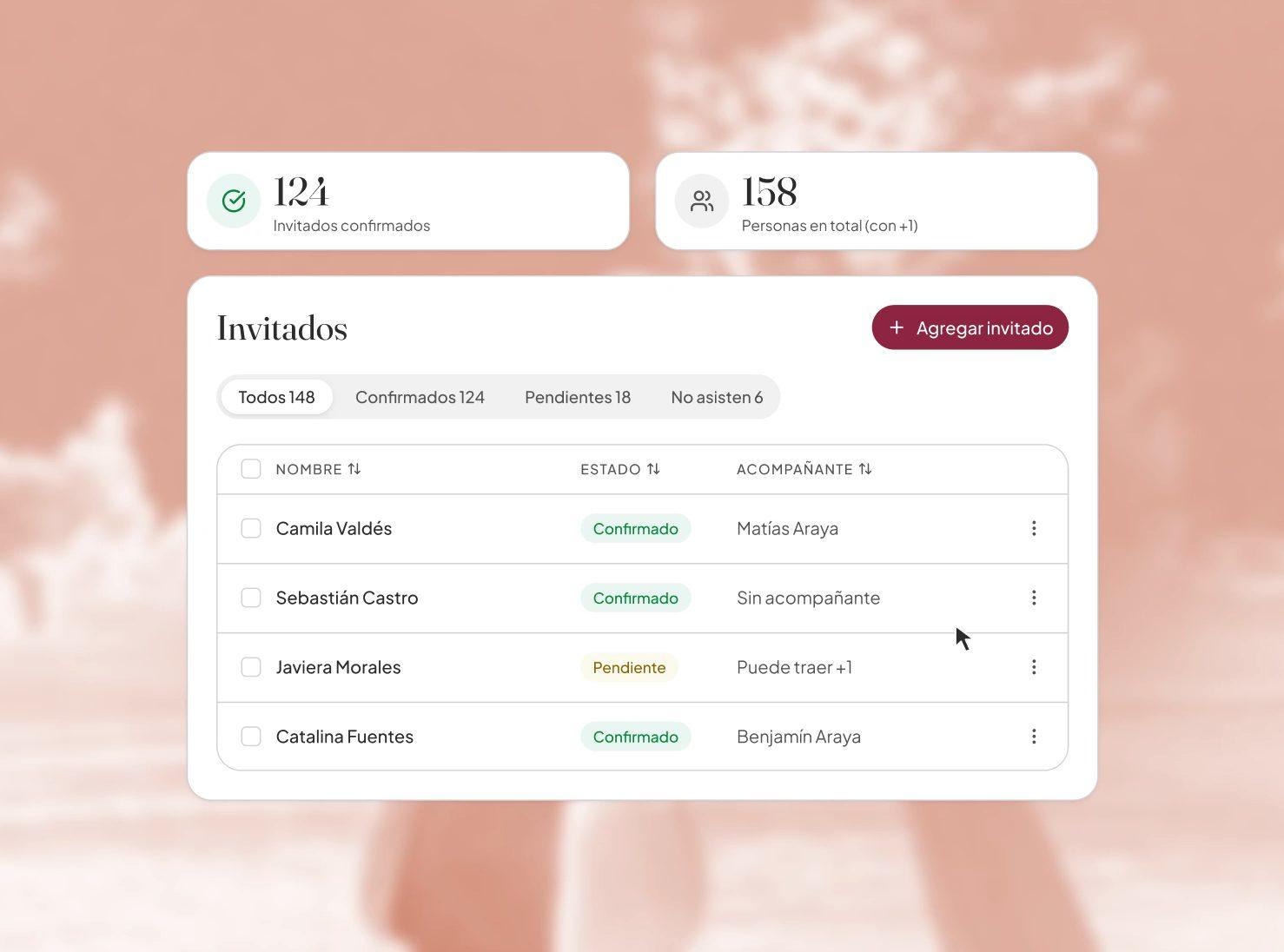
Guests and RSVPs
Your list with RSVPs, plus-ones and dietary restrictions, always up to date.
Learn more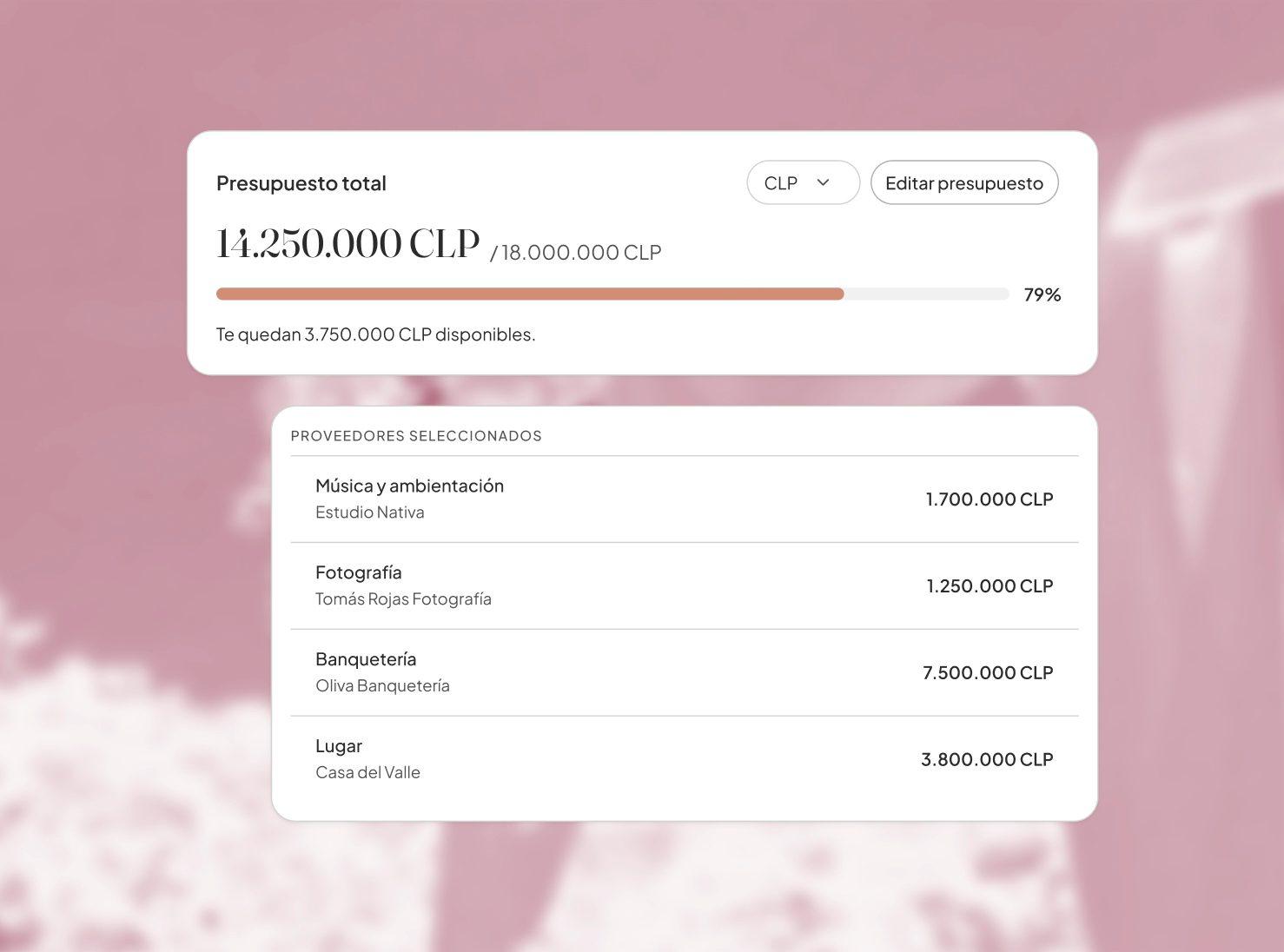
Budget
Compare quotes and see how much you've committed.
Learn more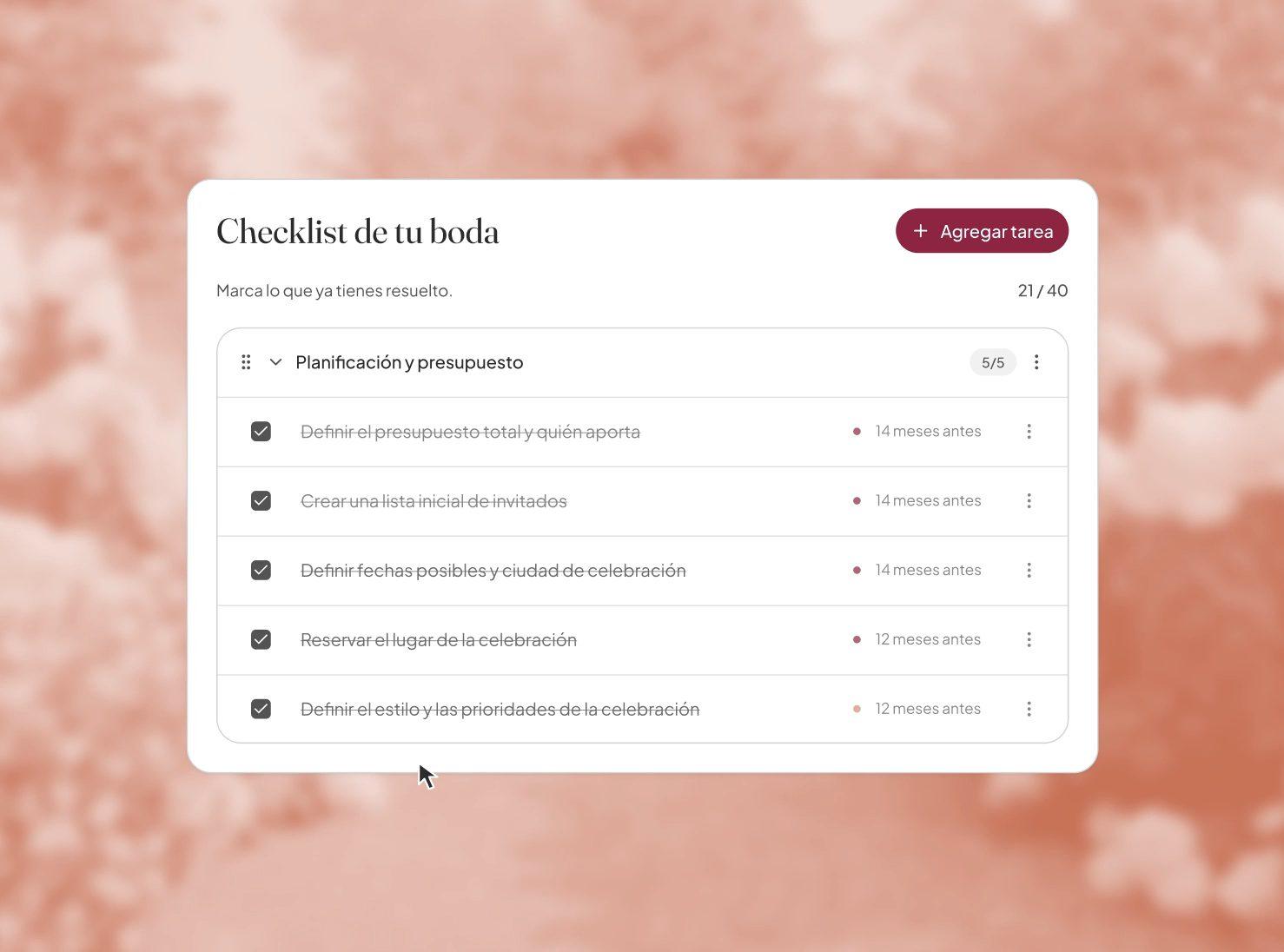
Checklist
Your to-dos by category, priority and deadline.
Learn more